This article walks through how those devices work where they make the most difference and what to look for when choosing a system. Practical tips and real world examples will help families pick the right option and use it in a way that matches health needs lifestyle and budget.
How emergency call buttons work and basic types available
At their core emergency call buttons are one touch devices that connect an elder to a monitoring center family member or emergency services. Systems vary but most follow a similar process press a button the device sends a signal the signal reaches a responder and help is dispatched or instructions are given.
There are three common types
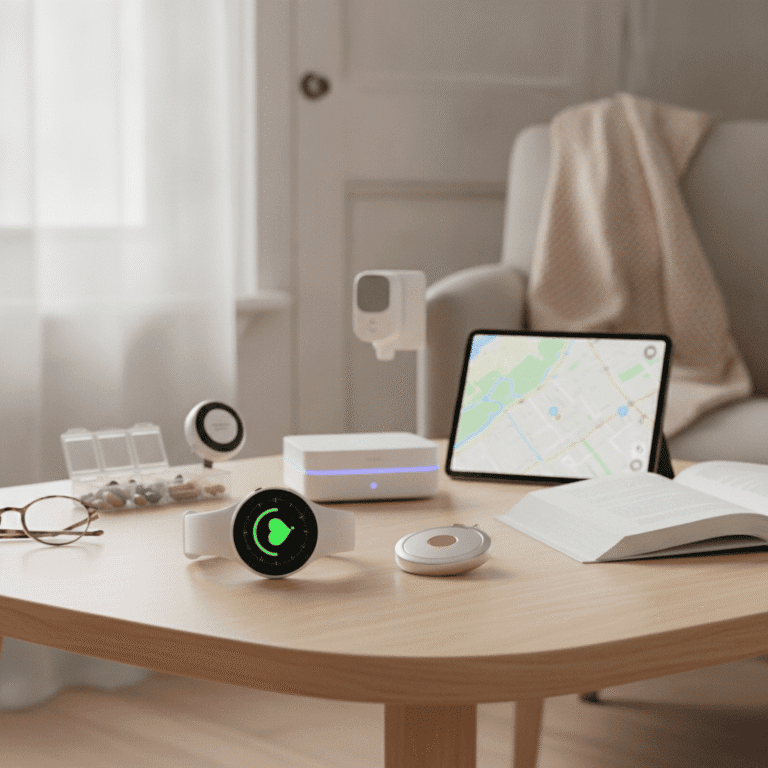
- Home base units connect to a landline or cellular network and use a wearable pendant or wrist button to send alerts.
- Mobile personal units include GPS and cellular service so users can press a button while away from home and still be located.
- Smartwatch style devices look like a watch and may have heart rate sensors or automatic fall detection built in.
Real life situations where a button can change outcomes
Examples help show the value of these devices
- After a fall in the bathroom an elder presses a pendant and a monitoring center sends help reducing the time spent on the floor.
- A sudden dizzy spell while walking to the mailbox triggers a mobile unit and family members receive a location update.
- At night a senior with heart arrhythmia presses a button and receives guided questions while emergency medical services are alerted.
In each scenario faster contact with responders lowers risk of complications and keeps a person safer than waiting for a neighbor or calling from a landline that may not be nearby.
Key features to compare when choosing a system
Not all devices are created equal When you evaluate options focus on practical features that match daily needs
- Range how far does the wearable work from the home base If a person spends time in the yard or garage range matters
- Connectivity does the system use landline cellular or Wi Fi Mobile units are best for people who go out regularly
- Battery life check how often a device needs charging and if it has low battery alerts
- Two way communication a speaker in the base or on the wearable helps responders assess the situation
- Automatic fall detection some devices can call automatically when a fall is detected though false alerts can occur
- Water resistance for devices that may be used in the shower or bathroom water resistance is important
Ways these devices help elders stay independent
One of the clearest benefits is that well placed buttons let someone live at home longer without daily supervision. Knowing help is a button press away can keep mobility routines social outings and errands on track.
Practical placement tips
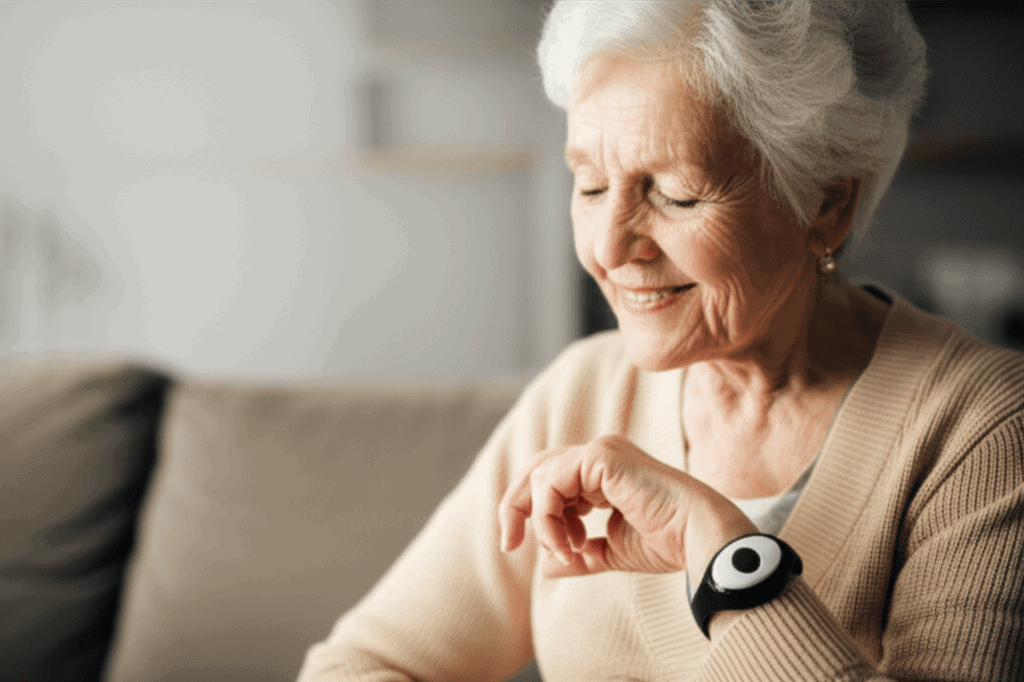
- Wear a pendant while moving about the house and use a wrist band for sleep if preferred
- Install home base units near frequently used seating areas and in the bedroom
- Keep a secondary button near the shower or toilet if the primary unit is stored on a dresser
Training and routine checks
Make simple habits part of the daily routine to keep the system reliable
- Charge wearables at the same time each day for consistent battery life
- Test the button once a week and log the result
- Review contacts and emergency plans with family and any monitoring service
Costs monitoring plans and financial help options
Costs vary from an up front purchase fee plus a monthly service charge to all in one subscriptions. Typical monthly fees range depending on monitoring level and whether cellular service is included. When budgeting for a system consider both the device cost and any ongoing plan fees.
Insurance programs and local community resources sometimes help reduce costs. Medicare rarely pays for personal emergency response systems as a standard benefit so check local aging services veterans benefits or state programs for possible support. Local charities or church groups occasionally provide grants or loaner units through elder care programs.
Privacy safety and limitations to consider
Some people worry about being tracked or having devices record conversations These systems are generally focused on safety not continuous surveillance. Mobile units with GPS send location after a button press or when fall detection is triggered. Two way audio is usually activated during a call so routine privacy is maintained.
Limitations include occasional false alerts power outages and situations where a person cannot reach the wearable. A plan that includes neighbors trusted friends and a backup charged phone can reduce those gaps.
What research and statistics tell us about outcomes
Several studies and public health sources point to the impact of timely response after falls and sudden illness. For example falls among older adults are common and can lead to hospital stays and long recoveries. Reducing time on the floor lowers the risk of dehydration pressure injuries and other complications.
Monitoring programs for elders have also reduced unnecessary emergency room visits in some community programs by routing non emergency needs to prepared responders who arrange follow up care. While not every system prevents every bad outcome the devices create opportunities for faster help and better coordination after a health event.
Common questions families ask
- Who answers the call options include professional 24 hour monitoring centers family members or a combination The choice affects response speed and personal touch
- What if the battery dies pick devices with low battery alerts and set daily charging habits
- Will it work outside the home choose a mobile unit with cellular service and GPS for coverage beyond the property
- Are false alarms a problem they happen but a simple verification protocol with responders reduces unnecessary dispatches
Choosing the right system is part technology and part planning Consider lifestyle safety needs and how much independence a person wants to keep. Small changes like wearing a pendant while gardening or carrying a mobile unit for errands can cut risk without major disruption.
For clear comparisons and purchasing ideas you can view the article that outlines models features and price ranges in one place which can be a useful next step when researching options.
Conclusion
Emergency call buttons give elders a reliable way to get help quickly when unexpected events occur. They work in the home and on the go and can be tailored to personal routines whether someone needs a basic pendant or a GPS enabled mobile unit. Key benefits include faster response after falls improved confidence when leaving the house and fewer hours spent waiting on the floor after an accident. Choosing the right system comes down to practical features like range battery life two way audio and whether automatic fall detection is wanted. Families should create simple routines for charging weekly testing and sharing contact details to keep the system effective.
If you are shopping for a device start by listing the activities and locations that matter most for safety then compare units that cover those scenarios. Speak with local aging services about funding help and ask vendors for a trial period if available. Making a small investment now can preserve an elder’s ability to stay in their home while giving family members a clearer plan for response. Take the next step and review product options talk through a plan with your loved one and set up a simple routine for testing and charging so the system works when it is needed most.